Binance Exchange Tutorial: A Step-by-Step Guide for Beginners to Trade Crypto

Binance is one of the largest and most popular cryptocurrency exchanges in the world, offering a wide range of digital assets, trading pairs, and advanced features. If you are new to crypto trading, understanding how to operate Binance can feel overwhelming. This guide breaks down the essential steps to help you get started on the Binance platform quickly and efficiently.
First, you need to create a Binance account. Visit the official Binance website or download the mobile app. Click on “Register” and enter your email address or phone number. Set a strong password and agree to the terms of service. You will receive a verification code via email or SMS to confirm your registration. After that, it is highly recommended to enable two-factor authentication (2FA) using Google Authenticator or SMS to protect your account from unauthorized access.
Once your account is set up, the next step is identity verification, also known as KYC (Know Your Customer). Binance requires you to complete basic verification to access higher withdrawal limits and most trading features. Go to “Account” and select “Identification.” Upload a clear photo of your government-issued ID (passport or driver’s license) and take a selfie. The verification process usually takes a few minutes to a few hours.
After verification, you need to deposit funds into your Binance wallet. Click on “Wallet” and then “Fiat and Spot.” Choose the currency you want to deposit, such as USD, EUR, or USDT. You can deposit cryptocurrency from another wallet or buy crypto directly with fiat money using a credit/debit card, bank transfer, or P2P trading. For beginners, using a debit card is the fastest method to buy Bitcoin or Ethereum.
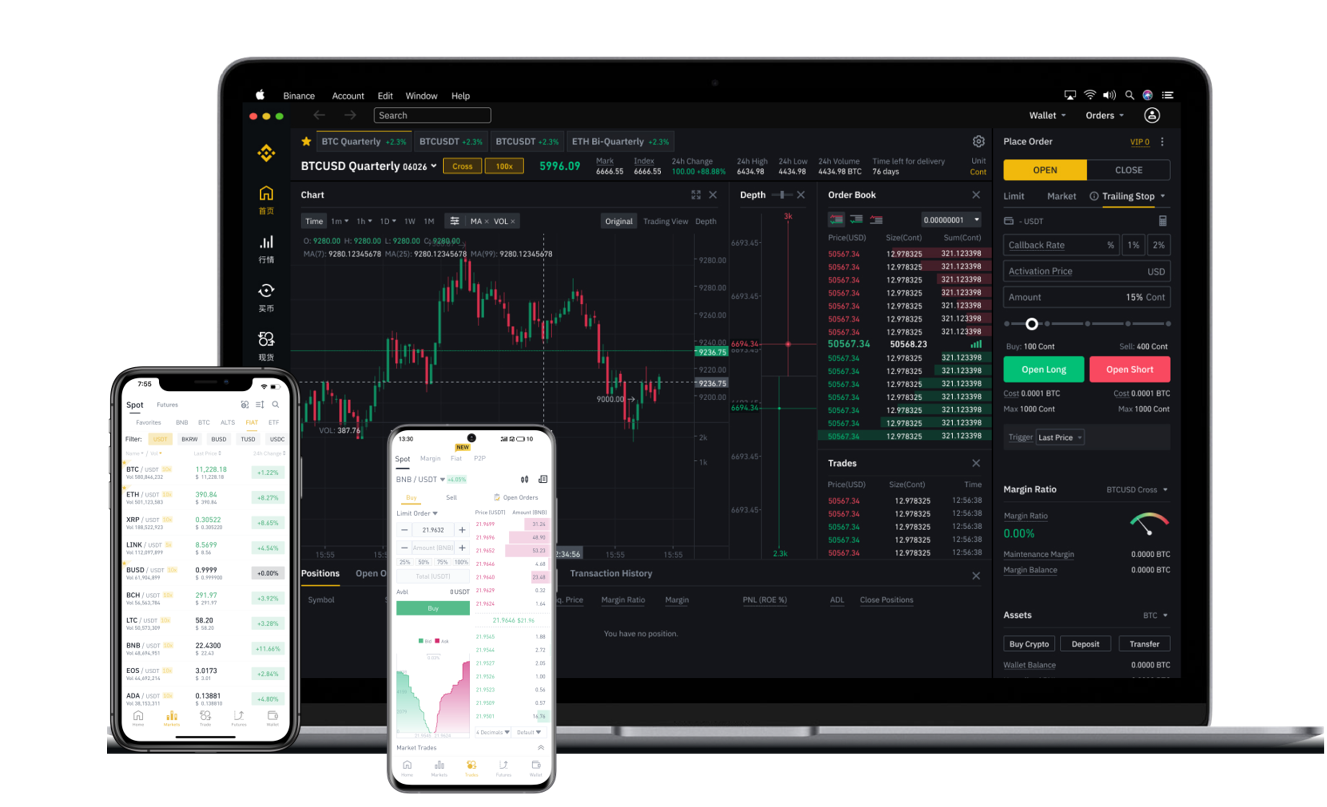
With funds in your wallet, you can start trading. Binance offers several trading interfaces, but the most user-friendly for beginners is the “Classic” or “Lite” mode. Go to “Trade” and select “Classic.” You will see a chart on the left, the order book in the middle, and the trading pair selection on the top. Choose a trading pair, such as BTC/USDT. Below the chart, you can place a market order (buy or sell instantly at the current price) or a limit order (set a specific price you want to buy or sell at). Enter the amount and click “Buy BTC” or “Sell BTC” to execute the trade.
For those who want to earn passive income, Binance also offers savings, staking, and liquidity farming. Go to “Earn” to explore these options. You can lock your crypto in flexible or fixed-term savings to earn interest, or stake coins like ETH or BNB directly from your wallet. Remember that staking and liquidity farming involve market risks, so start with small amounts.
Finally, always prioritize security. Never share your private keys or 2FA codes with anyone. Withdraw any profits or unused funds to a secure hardware wallet if you hold large amounts. Binance also has a “Whale Alert” and security notifications to help you monitor account activity.
By following these steps, you can confidently navigate the Binance exchange. Practice with small trades first, learn from the platform’s tutorials, and gradually explore advanced features like futures or margin trading once you gain experience. Always stay updated on market trends and regulatory changes in your region to trade safely.